
claude● working
Built for Linux · written in Rust
Your agents are working.
You should know where.
vmux is the terminal multiplexer for AI-assisted development. Persistent workspaces, live agent status, and every pane one command away.
$
cargo install vmux-tui
MIT licensedNo ElectronNo cloud account
codex● needs you
codex needs your inputrelease workflow · just now
jump ↗
Works with the tools already in your terminal
Claude CodeCodexGemini CLIGrokany shell
Less terminal babysitting
See the whole operation.
Act on what matters.
vmux turns a pile of terminal sessions into a workspace that understands agents.
01
Agents report their own state.
Busy, waiting, done, or failed. Status stays visible across workspaces until you actually look.
Detach without stopping.
Panes live inside a small daemon. Close SSH, shut the laptop, reconnect tomorrow—your agents are still there.
Organized like your work.
Sessions contain workspaces, tabs, and panes. Every new shell opens in the directory you expect.
04
A terminal, not a web app in disguise.
Written in Rust and drawn with ratatui. No Electron, no browser runtime, no account required.
vmux Remote
Your terminal.
In your pocket.
Check every workspace, catch agent handoffs, and send the answer without reopening your laptop. vmux Remote connects directly to your relay over Tailscale or your local network.
- Live workspace and pane status
- Terminal input and essential keys
- Direct connection—no vmux cloud
Explore vmux Remote
iPhone & iPad · coming soon
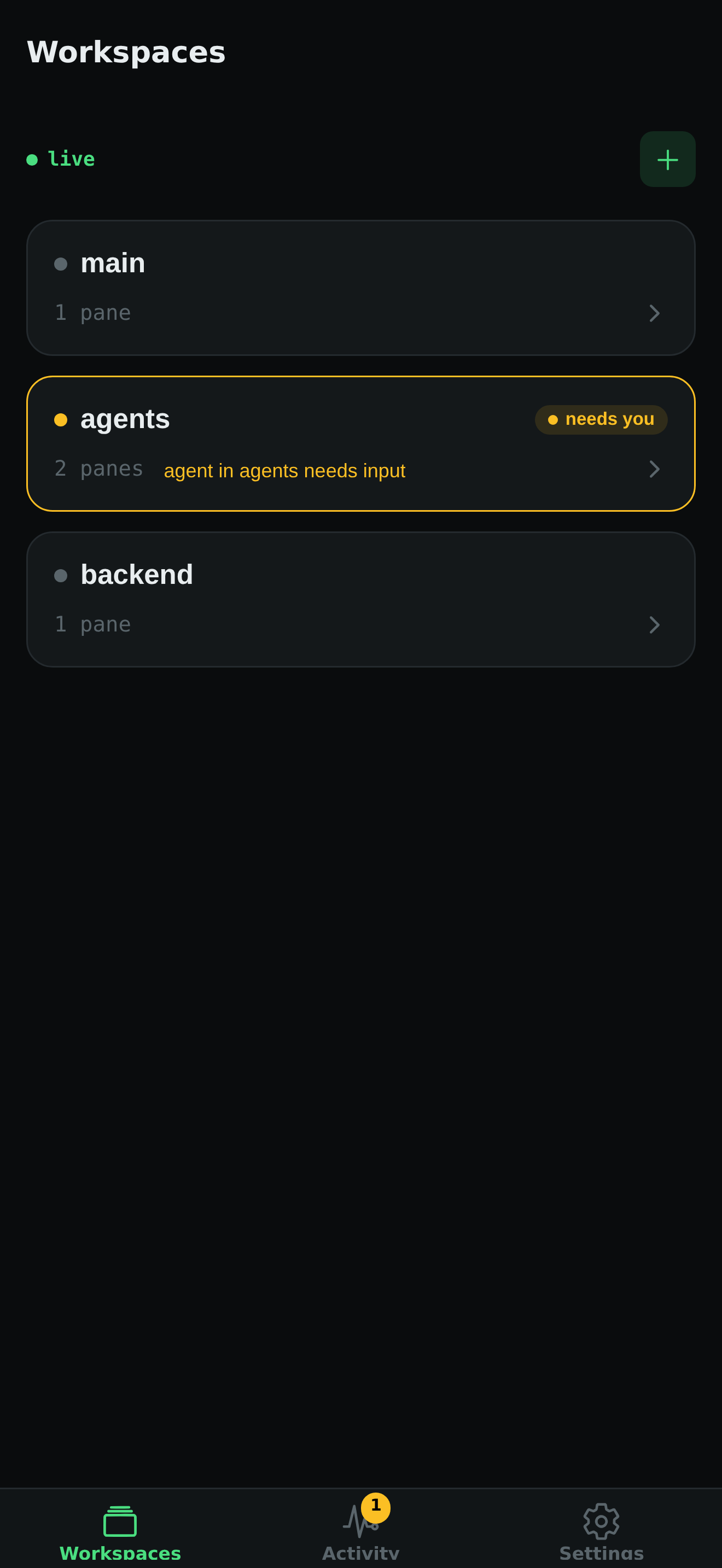
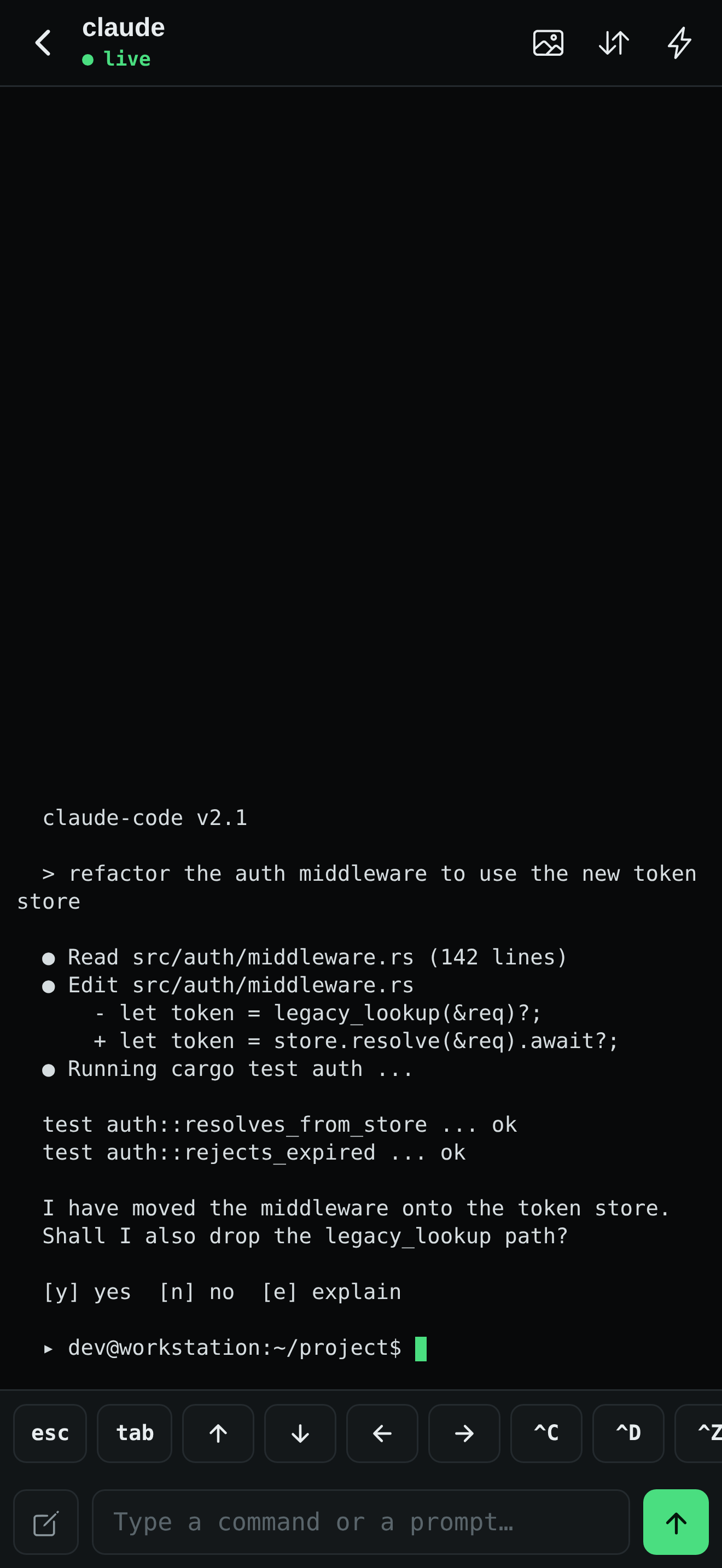
↗Direct over Tailscaleencrypted · peer to peer
From zero to attached
One command.
Your workspace survives.
-
01
Install
cargo install vmux-tuiOr use the checksum-verified prebuilt binary for Linux and macOS.
-
02
Attach
vmux attachThe daemon starts automatically and keeps every pane alive.
-
03
Connect your agents
vmux hooks installAgent status appears in vmux without changing your workflow.
Local by architecture
Your terminal data stays on your machines.
The CLI and relay talk to your local vmux daemon. Remote access crosses your own tailnet—not ours.
Read the privacy policy →phonevmux Remote
Tailscale / LAN
relay:4399
Unix socket
vmuxdyour panes
Open source · MIT licensed
Keep every agent in view.
Install vmux and turn your terminal into an agent command center.